How to check your Battlefield 6 multiplayer stats
Look up a Battlefield 6 multiplayer profile by EA name. What kills, K/D, weapon tables, vehicles, gadgets, and maps actually show, and how to read them.
By BattleStats
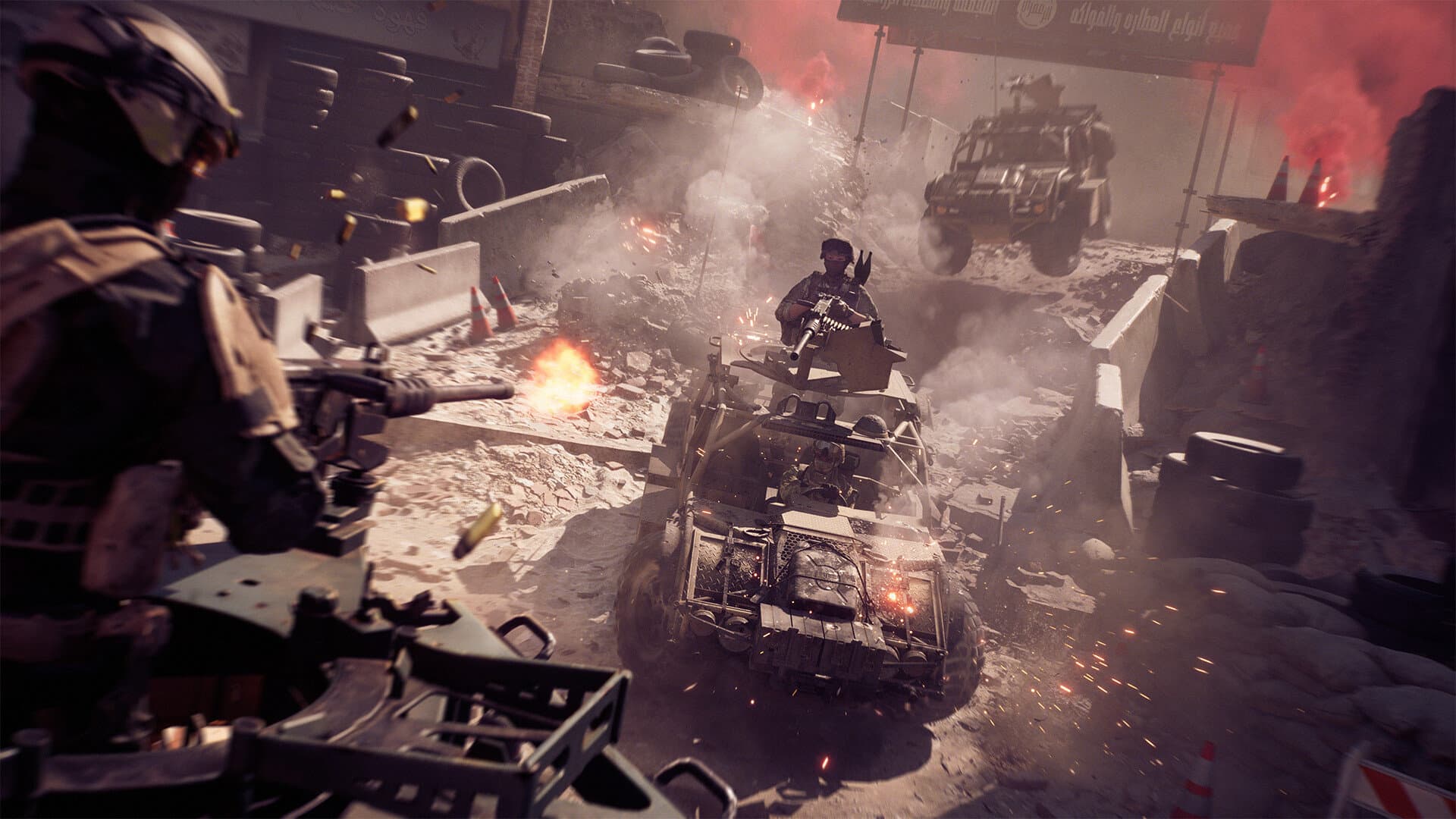
The scoreboard disappears when the match ends. If you want kills, K/D, and which guns you actually use, you need the career profile, not the end-of-round screen.
BattleStats reads that profile from your EA name. The name on a Steam, PlayStation, or Xbox account is often the same, and sometimes it is not. Type the EA name, then pick the account from the suggestions. Those suggestions are live EA accounts, so you are not guessing the spelling.
Pick the platform, then open Multiplayer
Choose PC, PlayStation, or Xbox before you search. A Steam player still uses PC. The profile URL keeps the platform, so a link you share opens the same account.
The profile opens on Multiplayer. The header is the career line: kills, deaths, K/D, wins, and time. Under that, classes show how your playtime splits between Assault, Engineer, Support, and Recon.
The tables that answer the usual questions
| Question | Where to look |
|---|---|
| What gun do I actually main? | Weapons, sorted by kills |
| Is that gun accurate, or just used a lot? | Accuracy and headshot rate, compared inside the same class |
| Am I a vehicle player? | Vehicles: kills, roadkills, vehicles destroyed, time in each |
| Which gadget is earning its slot? | Gadgets: uses, kills, damage, assists |
| Which map is inflating my K/D? | Maps: win rate and time per map |
| Conquest or Breakthrough? | Modes |
Sort weapons by kills first. That is the gun you play, not the one you unlocked last night. Then compare accuracy inside a class. An LMG will look sloppier than a DMR even when both are played well. A few hundred shots is enough to trust the number. A dozen is not.
KPM tells you the pace. A high kill count with a low KPM is a slow, defensive account. A high KPM with bad accuracy is someone spraying angles that never convert. The weapon stats guide walks through each column.
Keep RedSec on its own tab
Multiplayer K/D and RedSec K/D measure different matches. A battle royale win and a Conquest win do not belong in the same average. Switch to the RedSec tab when the question is placements, extractions, or your ranked division. That lookup has its own guide: how to check RedSec stats.
If the name does not resolve, or the tables are empty, start with stats not showing. Most of the time it is the EA name or the platform, not a missing profile.
Search the name on the tracker and open Weapons. The first sort is usually enough to see what you have been playing.
Related

How to check your RedSec stats
Find RedSec wins, placements, extractions, revives, and your ranked division. Search an EA name, open the RedSec tab, and read Solo, Duos, Squads, and Gauntlet separately.
Read article
Battlefield 6 stats not showing? Fix the EA name first
A Battlefield 6 or RedSec profile comes back empty for a short list of reasons: the wrong EA name, the wrong platform, or a mode you have not played yet.
Read article
November 10: European Casino, leaderboards, and the balance pass
Season 5 Phase 2 lands November 10 with a close-quarters casino map, multiplayer leaderboards, and weapon changes. What to baseline on your profile before it hits.
Read article